 06 May 2026
 Share
Share
1
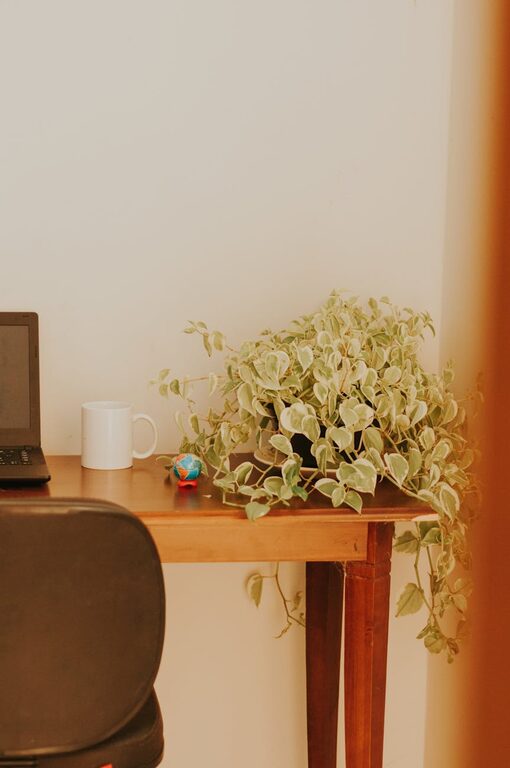
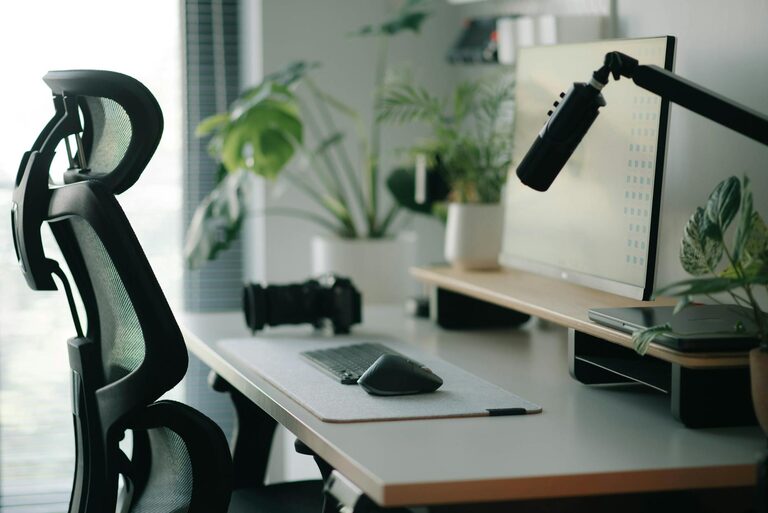
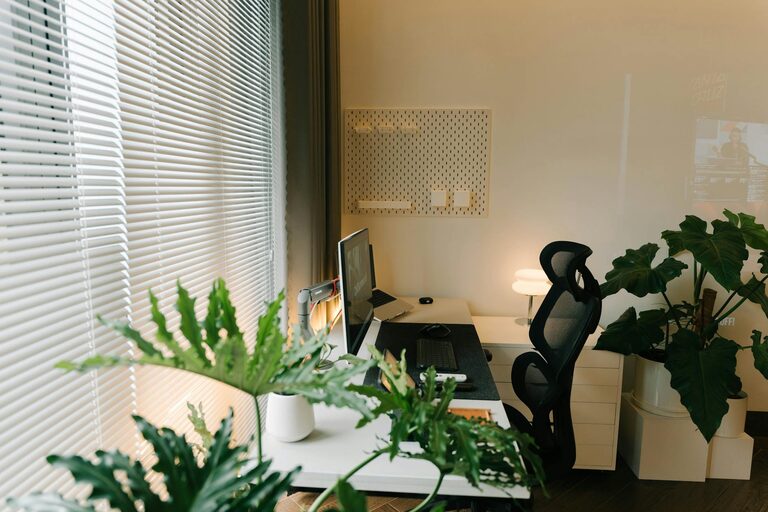
Creating a productive home office is essential for anyone working remotely or managing tasks from home. A well-designed workspace can significantly impact your focus, efficiency, and overall comfort throughout the day. Whether you have a dedicated room or just a small corner, there are plenty of ways to set up a home office that supports your best work. In this post, we’ll explore practical tips to help you create a home office environment that promotes both productivity and comfort.
The first step is selecting the best spot in your home for your office. Ideally, this should be a quiet area where you can work without distractions.
– Natural Light: Pick a space near a window if possible. Natural light improves mood and reduces eye strain.
– Away from Noise: Avoid high-traffic areas to minimize interruptions.
– Space for Movement: Make sure there’s enough room to move and stretch comfortably.
Comfort is key when you spend hours at your desk.
– Ergonomic Chair: Choose a chair that supports your back and promotes good posture. Adjustable height and lumbar support are important features.
– Appropriate Desk Height: Your desk should allow your arms to rest at a 90-degree angle while typing.
– Desk Size: Ensure the desk has enough space for your computer, notes, and any tools you frequently use.
Good lighting prevents eye strain and keeps you alert.
– Combine Natural and Artificial Light: Use daylight as much as possible, supplemented by desk lamps or overhead lighting.
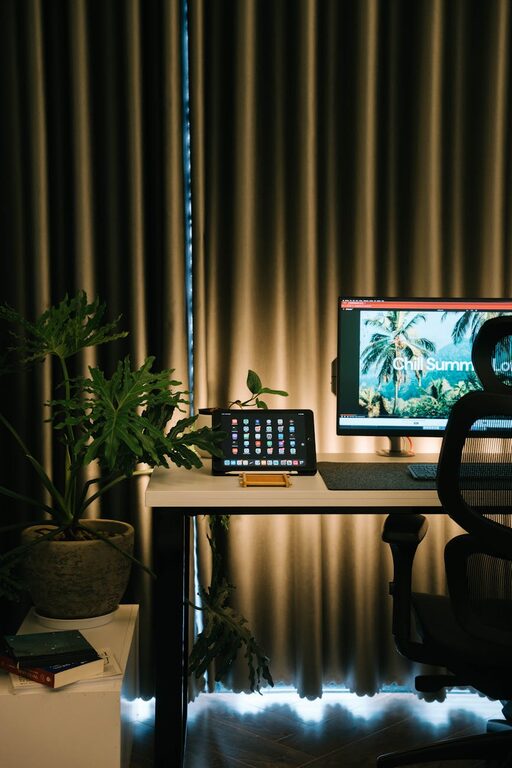
– Avoid Glare: Position screens perpendicular to windows and use curtains or blinds to control brightness.
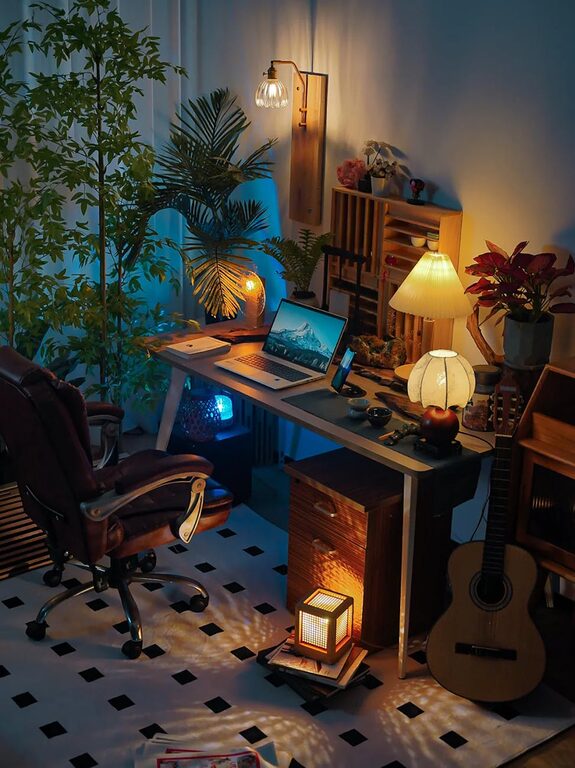
– Choose Warm Light: Warm white bulbs are easier on the eyes for long hours of work compared to harsh, bluish light.
A clutter-free environment helps you stay focused.
– Declutter Regularly: Keep only essential items on your desk.
– Storage Solutions: Use shelves, drawers, or organizers to store papers, supplies, and tech accessories.
– Cable Management: Use clips or sleeves to keep cords tidy and prevent tangling.
Making your office inviting can boost your motivation.
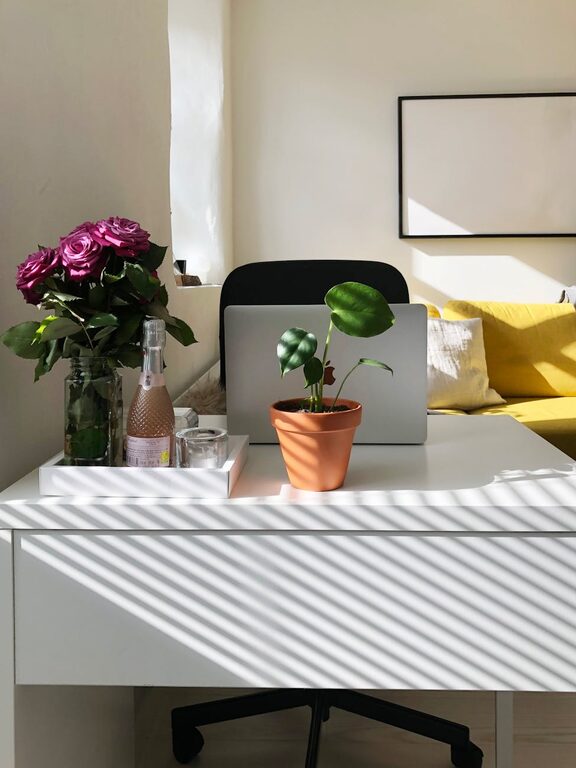
– Add Plants: Indoor plants improve air quality and create a calming atmosphere.
– Inspiring Decor: Use artwork or photos that encourage positivity.
– Comfort Items: Keep a small cushion, a cozy blanket, or a water bottle within reach.
Your environment supports productivity, but routines reinforce focus.
– Set Working Hours: Define start and finish times to create boundaries between work and personal life.
– Take Breaks: Short breaks every hour help prevent fatigue and increase concentration.
– Use Productivity Tools: Apps for task management or focus timers can help keep you on track.
Unwanted sounds and interruptions can disrupt your concentration.
– Noise-Canceling Headphones: These can help reduce background noise.
– Soft Background Music: Some people find instrumental music helpful for focus.
– Communicate Boundaries: Let family or housemates know your work schedule to minimize disruptions.
Physical comfort supports mental alertness.
– Sit with Feet Flat: Avoid crossing legs to maintain healthy circulation.
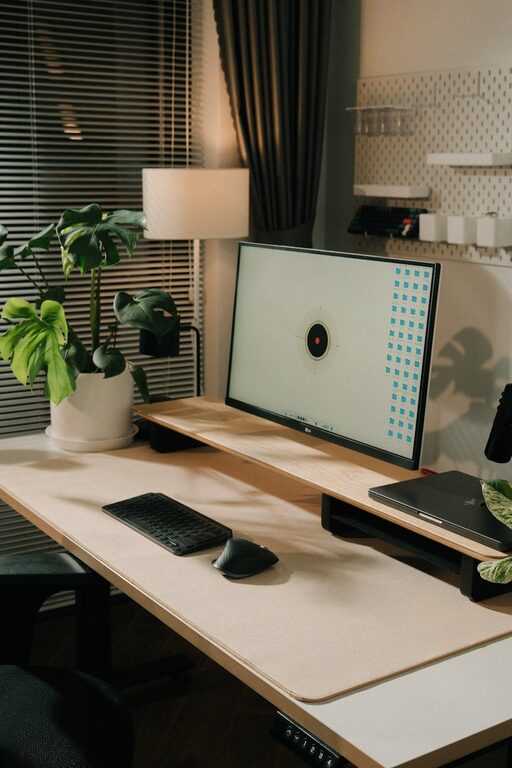
– Adjust Screen Height: Your monitor should be at eye level to avoid neck strain.
– Stretch Regularly: Stand, stretch, and walk around every 30–60 minutes to keep your body energized.
Your devices influence your productivity.
– Reliable Internet: Ensure your connection is stable.
– Ergonomic Accessories: Consider a wireless keyboard, mouse, or laptop stand.
– Backup Solutions: Keep files saved on the cloud or an external drive to avoid data loss.
—
By combining thoughtful design, comfort, and good habits, you can create a home office space that not only enhances your focus but also supports your wellbeing. Remember, your ideal workspace is one that suits your personal needs and helps you thrive during your workday. Take time to experiment with these tips and adjust your setup as needed to find what works best for you.