 06 May 2026
 Share
Share
1
Creating an efficient home workspace is essential for anyone working remotely or occasionally from home. A well-designed workspace can boost your productivity, keep you comfortable, and help you separate work life from personal life. Whether you have a dedicated room or a small corner, the following tips will guide you in setting up a space that supports your focus and wellbeing.
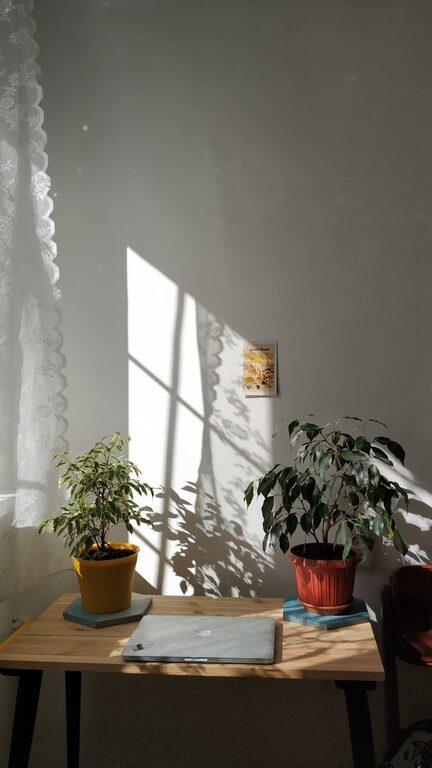
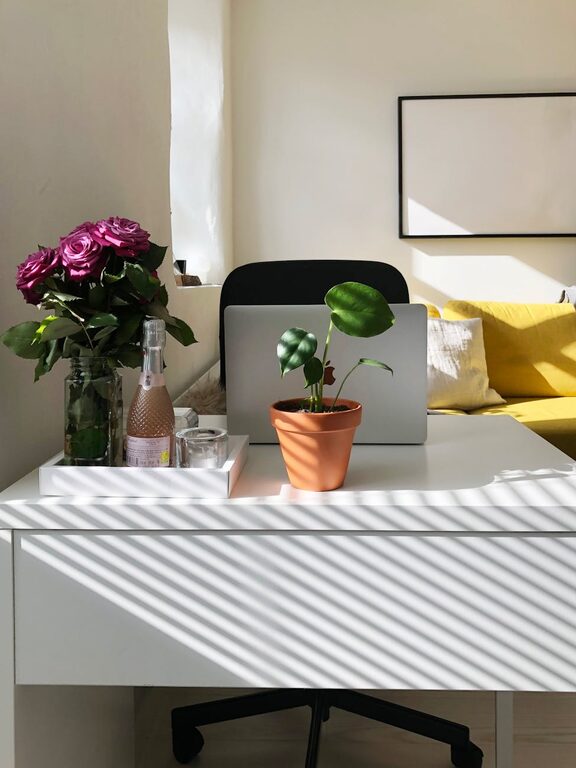
Opt for a spot with plenty of natural light. Sunlight helps reduce eye strain and improves mood, making it easier to stay alert and motivated. If a window isn’t an option, use bright, adjustable lighting that mimics daylight.
Pick a quiet part of your home where you are less likely to be disturbed. Avoid spaces near noisy appliances, high-traffic areas, or the TV. If space is limited, consider using noise-cancelling headphones or a white noise machine.
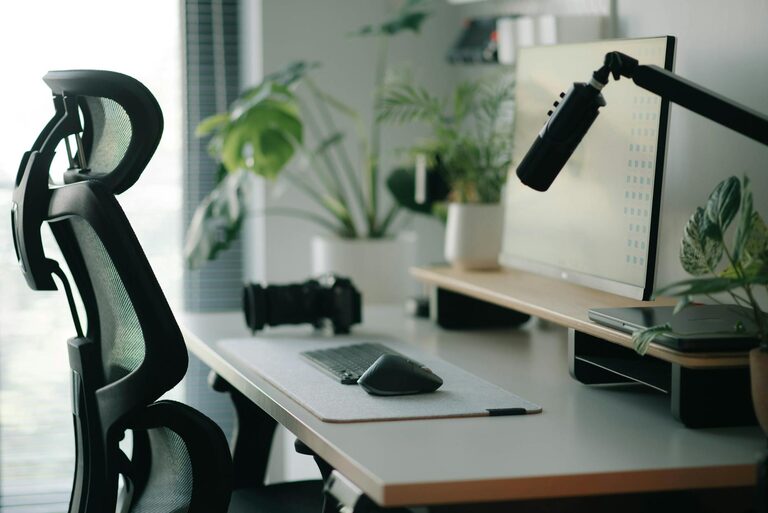
A good chair supports your posture and reduces back pain. Look for one with adjustable height, lumbar support, and comfortable cushioning. Your feet should rest flat on the floor, and your knees should be roughly level with your hips.
Choose a desk that fits your needs and space. It should be large enough for your computer, keyboard, mouse, and any paperwork or materials you use regularly. Consider height-adjustable desks if you want to alternate between sitting and standing.
Keep your workspace tidy and free from unnecessary items to minimize distractions. Use drawers, shelves, or organizers to store supplies and documents neatly.
Separate areas for different tasks, such as a computer station, note-taking space, and storage, to help keep your workflow smooth. This separation also helps your brain associate specific areas with certain activities.
A stable internet connection is vital for video calls, research, and cloud-based work. Position your router close to your workspace or use Ethernet cables to improve speed and reduce lag.
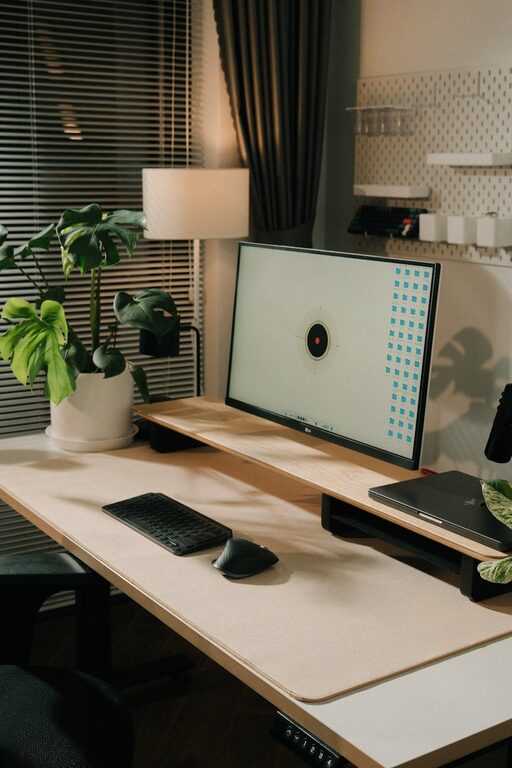
Place your monitor or laptop screen at eye level to avoid neck strain. The screen should be about an arm’s length away, and the top of the screen should be at or just below eye level.
Use clips, ties, or trays to organize cables and avoid tangling. A neat cable setup improves safety and makes your workspace look cleaner.
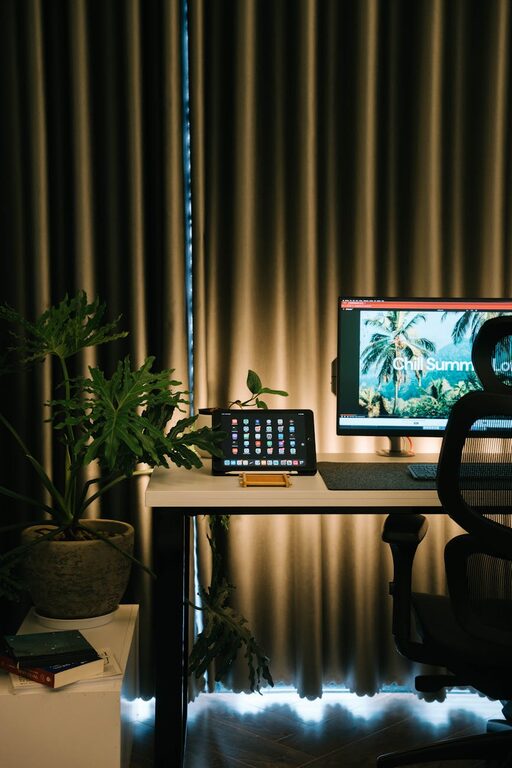
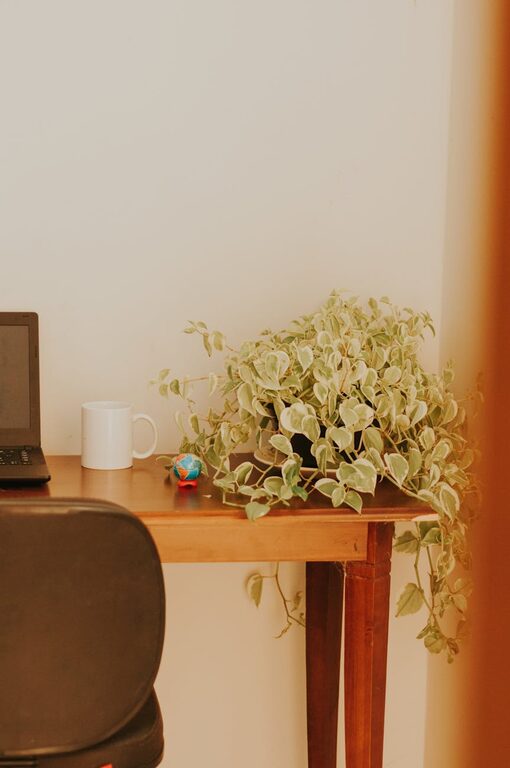
Indoor plants not only improve air quality but also create a calming and inviting atmosphere. Choose low-maintenance plants like succulents or pothos if you don’t have a green thumb.
Incorporate colors, artwork, or objects that make you happy and motivated. However, avoid overcrowding the space, which can be distracting.
Set a timer to remind yourself to stand, stretch, or walk briefly every hour. Breaks help reduce fatigue and improve concentration.
Keep a water bottle nearby and have healthy snacks accessible. Proper hydration and nutrition support focus and energy levels.
Define your work hours clearly to avoid overworking and to separate your professional and personal life. Use a dedicated workspace to help reinforce these boundaries.
Keep your workspace at a comfortable temperature. Use fans, heaters, or humidifiers as needed to create a pleasant environment.
Ensure your workspace has proper airflow. Fresh air reduces drowsiness and improves cognitive function.
Designing an efficient home workspace involves balancing productivity and comfort. By choosing the right location, investing in ergonomic furniture, organizing your tools, and personalizing your environment, you can create a space that inspires and supports your best work. Remember to maintain healthy habits and establish clear boundaries for a sustainable and enjoyable work-from-home experience.